Skip to content

Fixed price agreed before work starts.No hourly billing.

What we have built

Our own businesses and tools, labelled honestly. Client projects will be added here as they launch — named, and with whatever numbers we can stand behind.

LiveOur own buildHome services

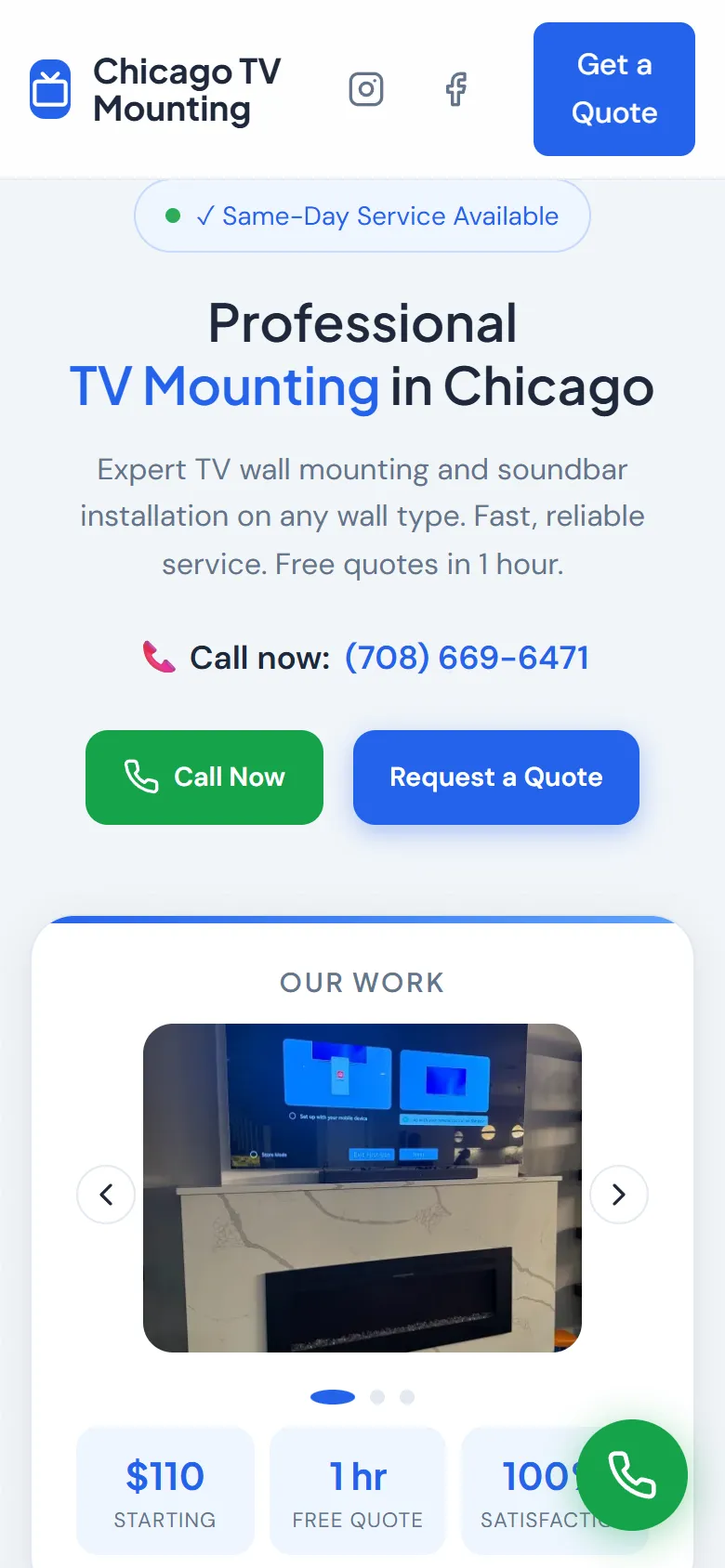
A home-services site that answers the price question before the call
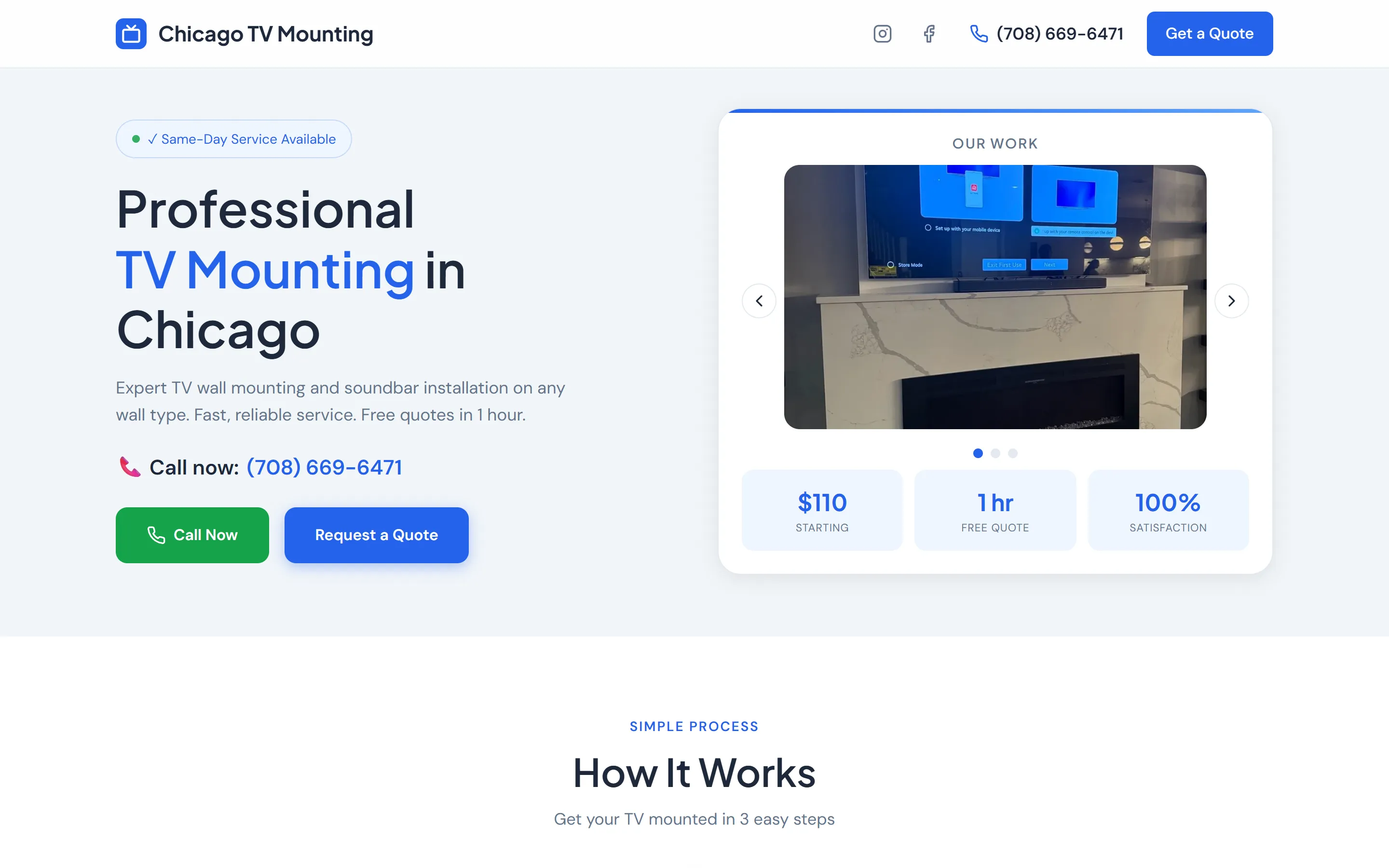
Home page of chicagotvmounting.com on a phone
chicagotvmounting.com

The problem

People booking a trade compare two or three quotes and go with the one they can actually understand. Most contractor sites hide the price behind a form, so the comparison never gets that far and the cheapest listing wins by default.

What was built

  • Prices published on the page: a starting figure, plus the surcharges for brick, concrete and suburban jobs
  • Same-day availability stated at the top, because that is what the search was for
  • Phone number in the header and a Call Now button fixed within thumb reach on mobile
  • A gallery of real installations rather than stock photography
  • FAQ covering wall type, TV size and what the quote includes
LiveOur own buildSoftware product

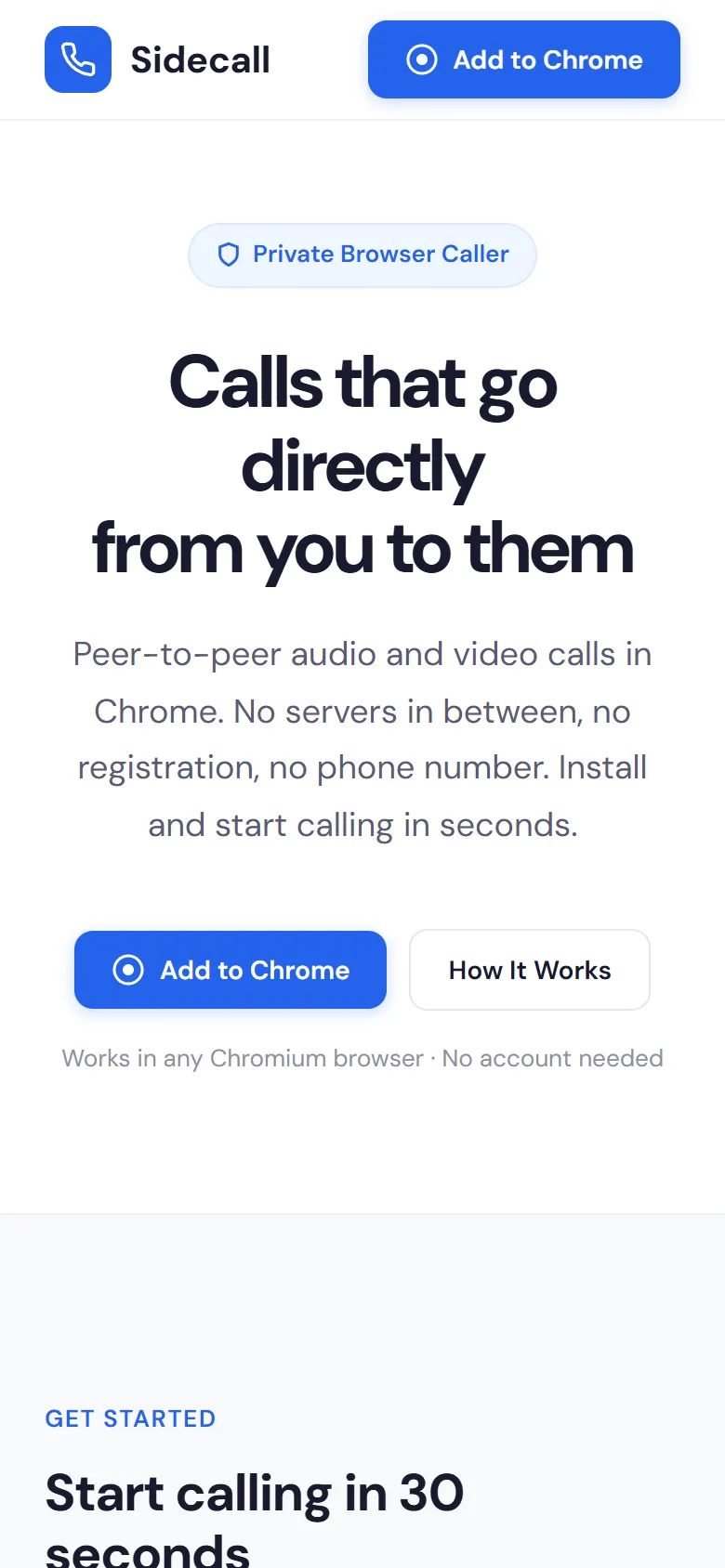
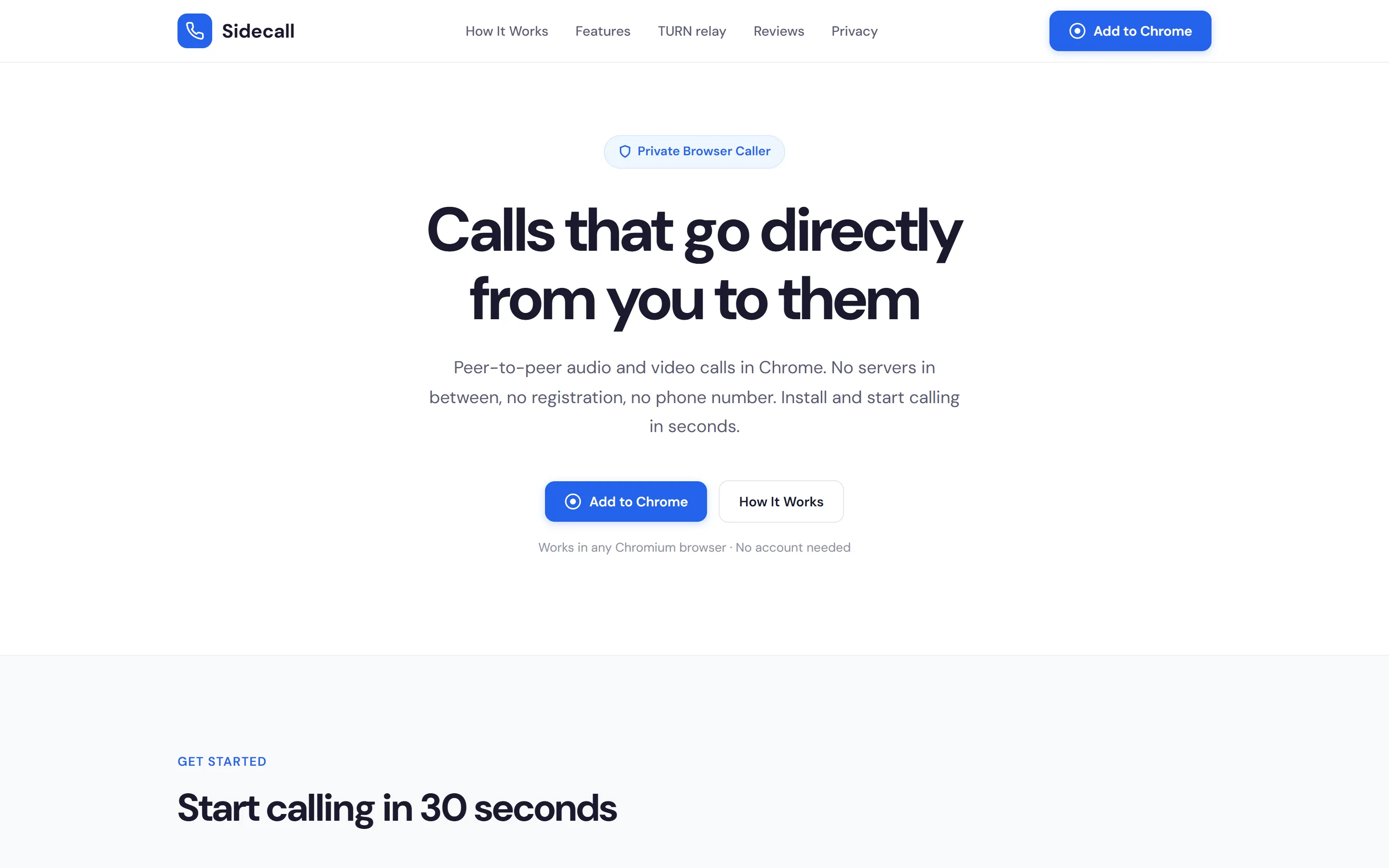
A product page for a tool with no signup funnel to lean on

Home page of sidecall.online on a phone
sidecall.online

The problem

A privacy tool cannot use the usual software playbook. There is no account, no trial and no dashboard to screenshot, so the page has to make an unfamiliar mechanism feel obvious before it can ask for an install.

What was built

  • A three-step walkthrough built from real interface screenshots, not abstract illustration
  • The peer-to-peer connection explained in plain language, including what happens on a restricted network
  • One install action, repeated at every scroll depth, pointing straight at the Chrome Web Store
  • Public store reviews used as the proof, since anyone can verify them
Built, not launchedOur own buildHome services

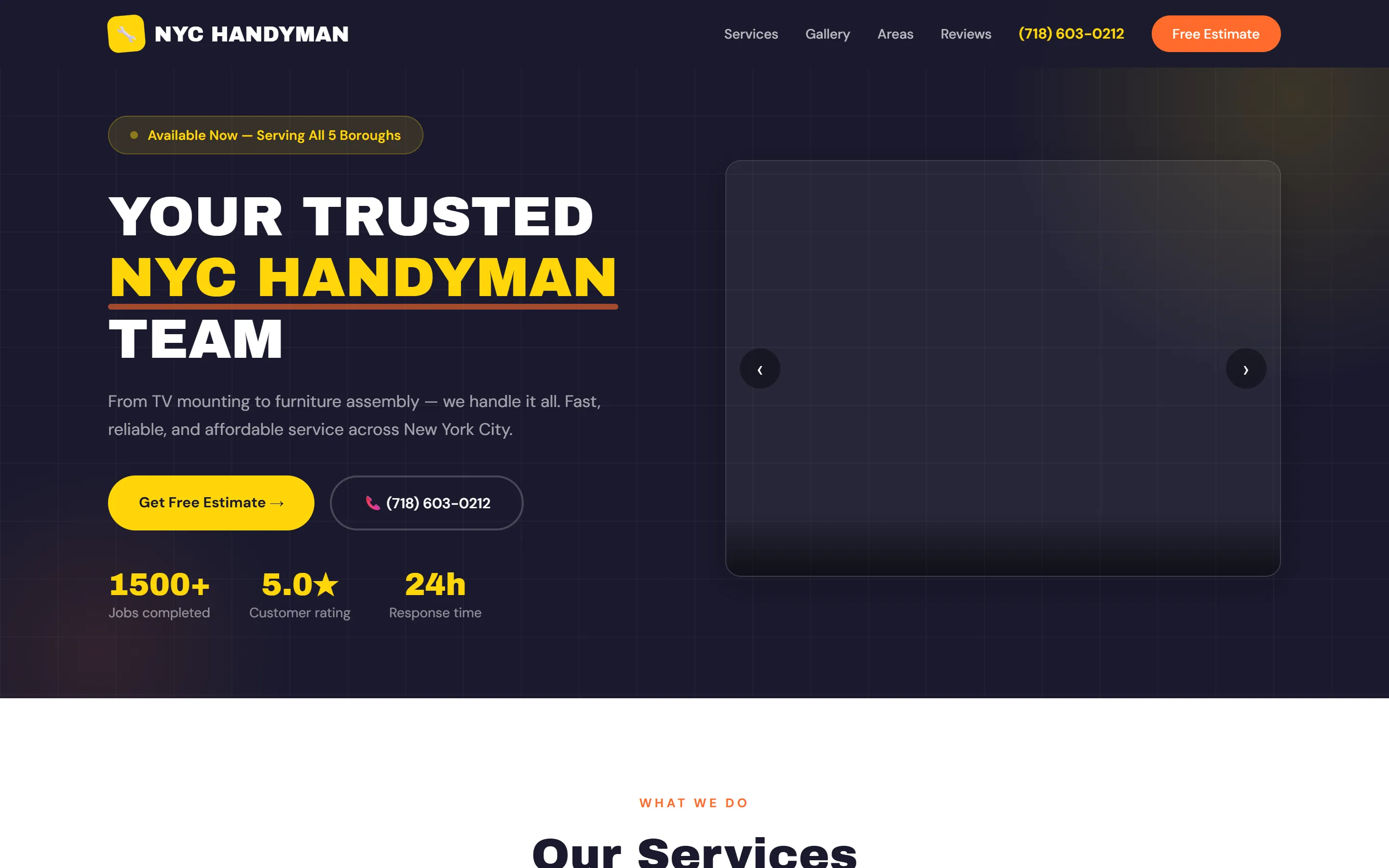
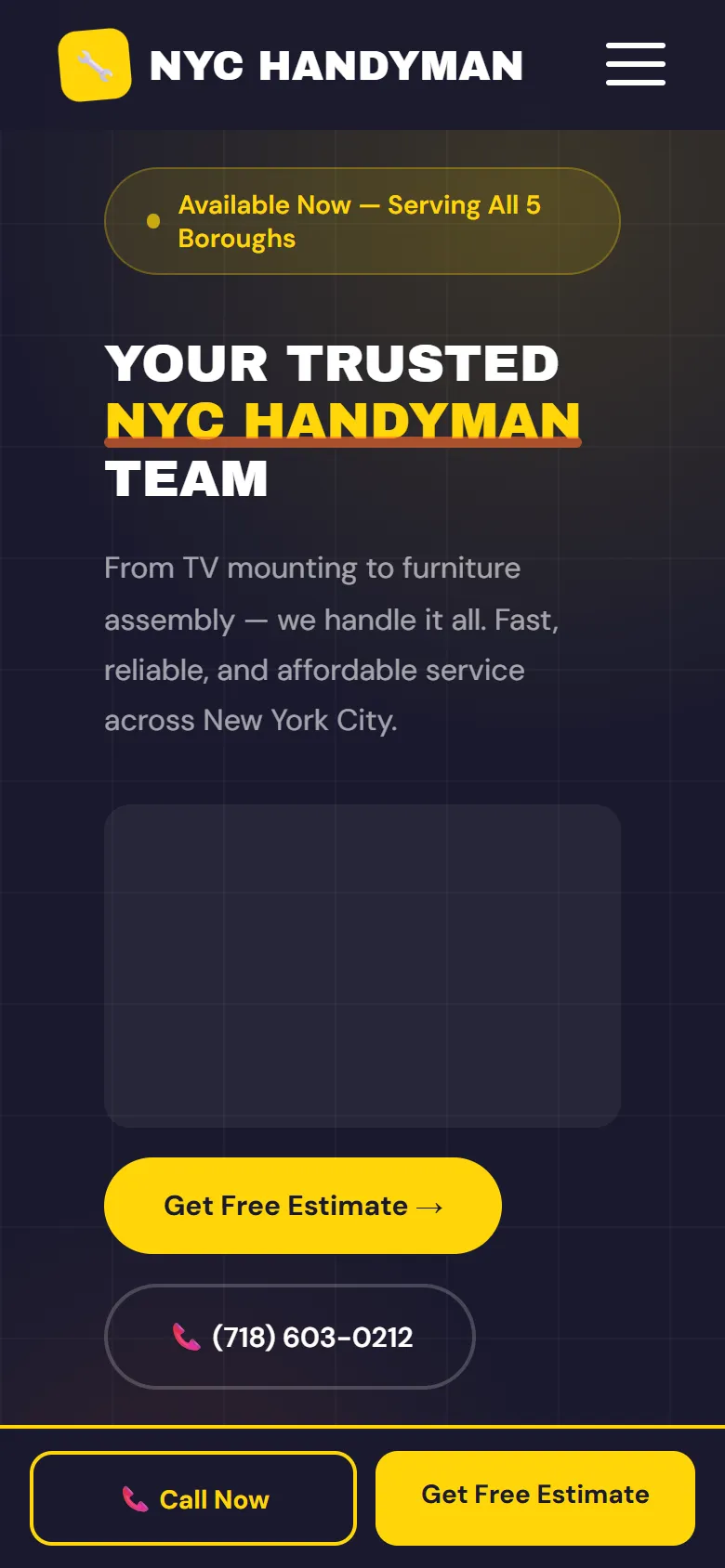
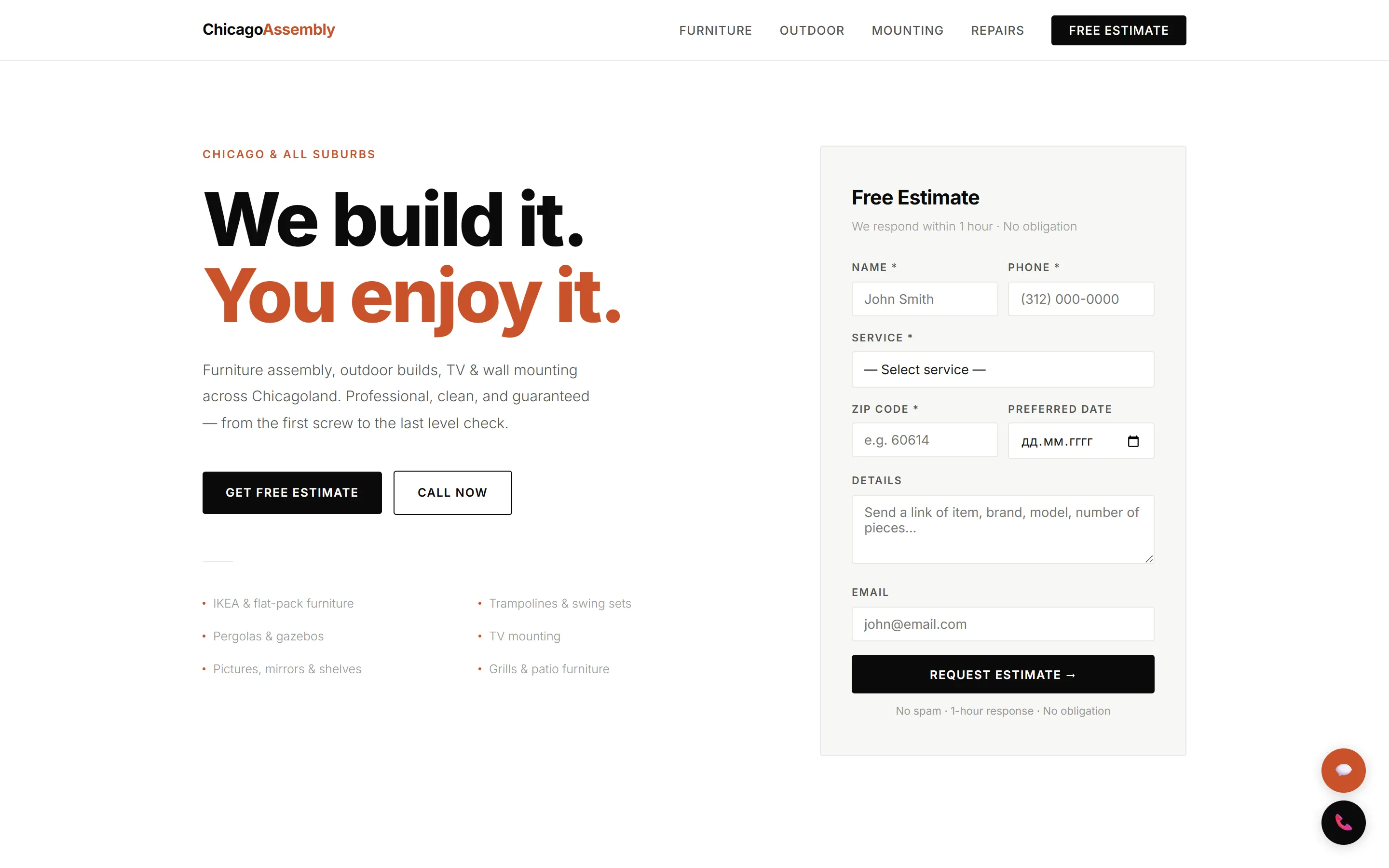
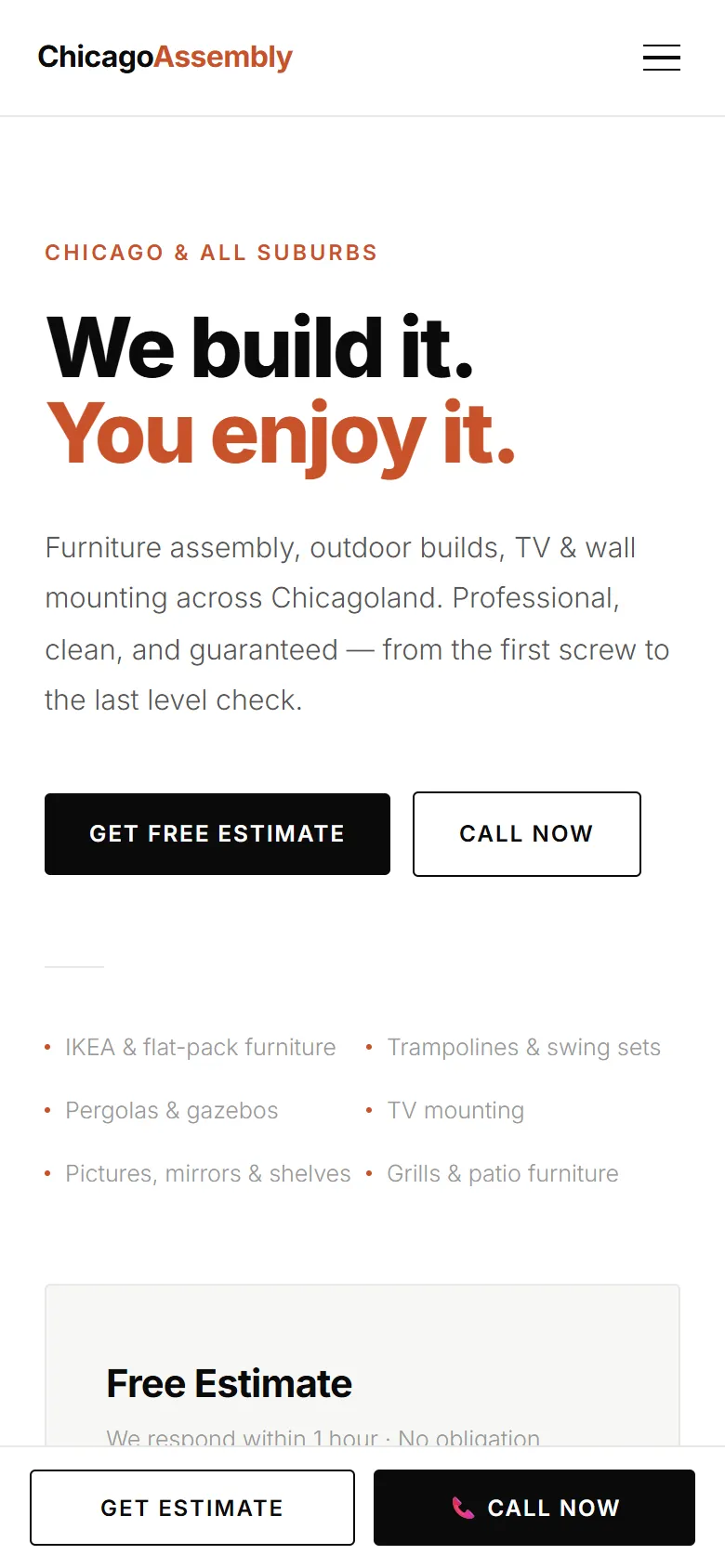
A five-borough handyman site built around one estimate button

Home page of A five-borough handyman site built around one estimate button on a phone
A five-borough handyman site built around one estimate button

The problem

A handyman covering every borough sells five different jobs to five different searches. One page describing all of them ranks for none, and a visitor who wanted furniture assembly should not have to read about air conditioning first.

What was built

  • A page per service — TV mounting, furniture assembly, AC installation, moving, general mounting — so each can rank on its own
  • Borough coverage stated in the first line, because that is the first thing a New Yorker checks
  • Phone number and Free Estimate sitting side by side in the header, not one behind the other
  • A gallery of completed jobs instead of stock photography
Built, not launchedOur own buildHome services

An assembly service where the quote form is the hero, not a button

Home page of An assembly service where the quote form is the hero, not a button on a phone
An assembly service where the quote form is the hero, not a button

The problem

Assembly jobs are quoted from details — what the item is, how many pieces, which ZIP code. Collecting that on a separate contact page costs a click at exactly the moment interest is highest.

What was built

  • The estimate form sits in the hero itself, so the first screen is the conversion point
  • Service, ZIP code and preferred date collected up front, so the first reply can carry a real number
  • A page per service, plus a suburbs page for the surrounding area
  • A one-hour response promise placed next to the submit button, where it affects the decision

Software

Published, installed and maintained

Sidecall

Chrome extension

Peer-to-peer audio and video calls that run between two browsers with no server in the middle, no account and no phone number.

  • WebRTC connection negotiated directly between the two participants
  • Relay fallback for networks that block direct connections
  • No registration, so there is no account database to breach
View in the Chrome Web Store

Text Clipper

Chrome extension

Saves and organises text fragments from any page: tag them, search them, mark favourites and export the lot to TXT or PDF.

  • Right-click to save the current selection, with a link back to the source
  • Tags, instant search and favourites across everything saved
  • Stored locally on the device rather than on a server
  • Runs in the Chrome side panel, next to the page being read
View in the Chrome Web Store

Creator research dashboard

Internal tool

Collects and organises data on bloggers and creators into one searchable view, replacing the spreadsheet that job usually lives in.

  • Scheduled collection instead of manual copying between tabs
  • One filterable table over sources that do not talk to each other
  • Deployed and running, but built for internal use

Private, so there is no public link.

Bots

Bots that do a job

QSaver

Telegram bot

Send it an Instagram link and it returns the media from that post as a file in the chat. No app to install and no account to connect.

  • Takes a link in a direct message and replies with the file
  • Runs as a hosted process, so the reply comes back in seconds
  • Public and live — open it and try it before asking us anything
Open in Telegram

Site companion bots

Telegram bot

A bot attached to a website rather than sold as a separate product. It hands you each enquiry the moment it arrives and reports on how the site is doing, so nobody has to remember to open a dashboard.

  • Every form submission pushed to your phone the second it is sent
  • Scheduled reports on traffic and uptime, delivered in the chat
  • Wired into the site itself rather than bolted on as a third-party widget

Runs inside client projects, so there is no public link.

Next step

Talk about yours

Describe the job and a fixed quote comes back in writing within one business day. No retainer, no discovery fee, and nothing to sign before you hear a price.